
How Erratly works
Erratly is a tiny menu bar app — no dashboard, just a compact Settings window. Here's what to expect from first launch to everyday use, including the one-time model download.
Requirements
- macOS 26 or later
- Apple Silicon (M1 or newer)
- ~2 GB of free disk space, for the model
- 01Download & launchMove Erratly.app to your Applications folder and open it. A small ✦ icon appears in your menu bar — that's the whole app.
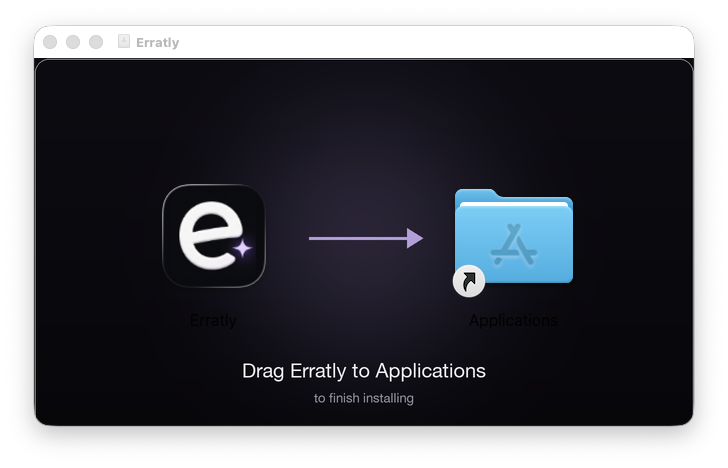
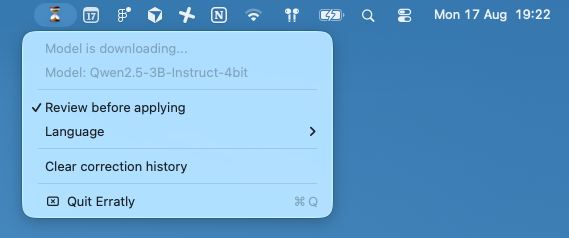
- 02First launch downloads the modelErratly needs a small language model to run corrections. On first launch, it downloads it automatically from Hugging Face (~1.8 GB). The menu bar icon shows ⏳ while this happens — it can take a few minutes depending on your connection.
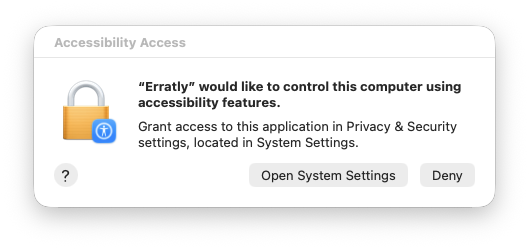
- 03Grant Accessibility permissionmacOS will ask for Accessibility access. This is what lets Erratly read the text you select and replace it in place, in any app. Grant it in System Settings when prompted.
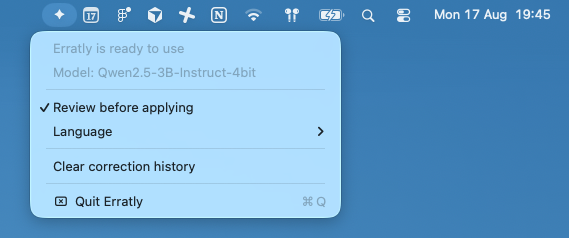
- 04Ready to useOnce the icon shows ✦, Erratly is ready. The model is cached on your Mac, so this download only happens once — no internet connection needed after that.
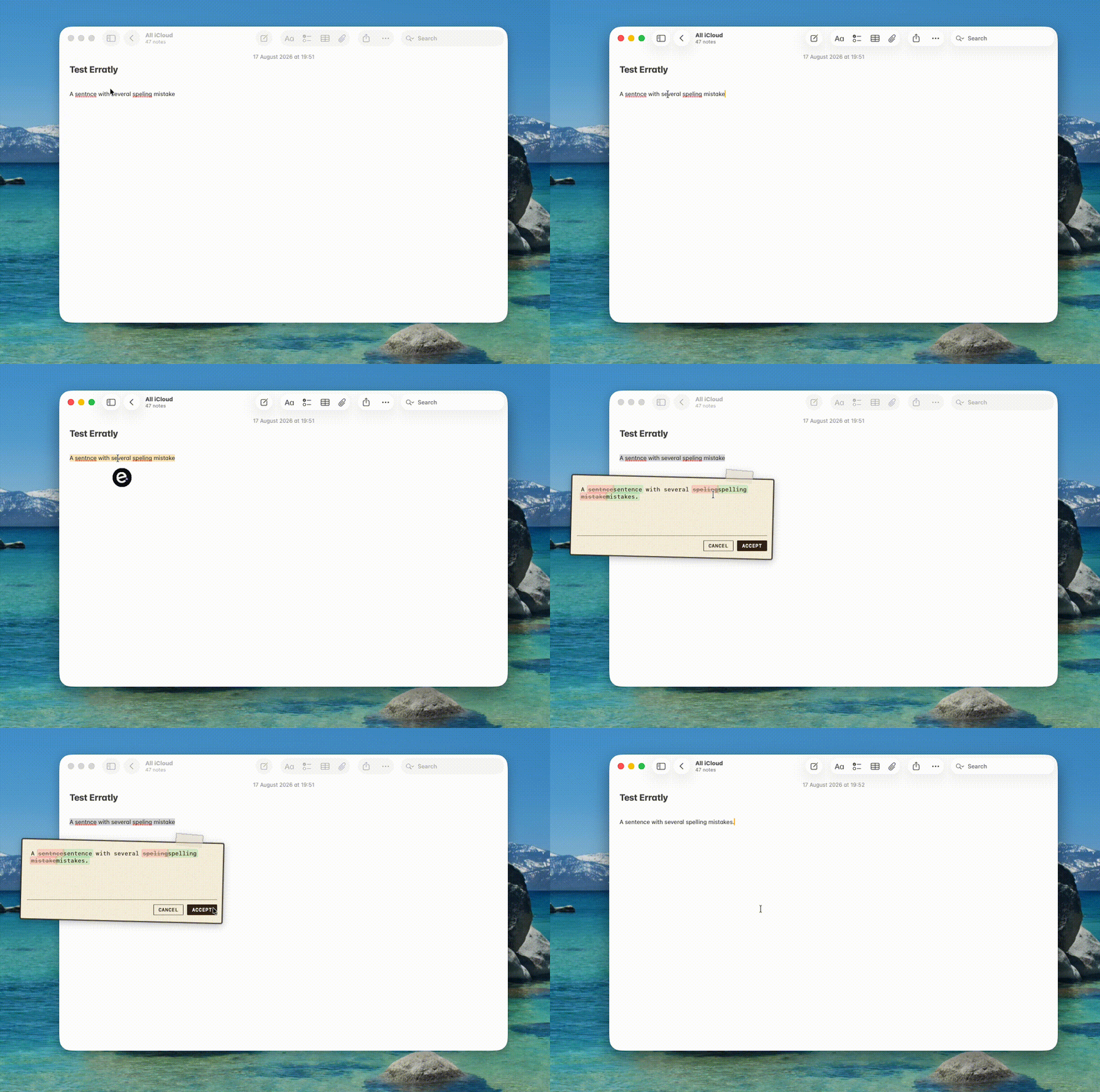
- 05Fix text anywhereSelect any misspelled text, double-tap Control (or your own shortcut), and Erratly corrects it in place. The icon briefly shows ⟳ while it's working, then goes back to ✦.
- 06Local by default, remote if you wantCorrections run entirely on your Mac using the downloaded model — your text is never sent anywhere. If you'd rather use a cloud model, open Settings… from the menu bar, choose Remote API and enter an OpenAI-compatible base URL, model name and API key (stored in the Keychain).
- 07Make it yoursIn Settings you can also record a different shortcut and pick a small, medium or large review panel.